
Reduce the risk of mishandling email and accidental disclosure

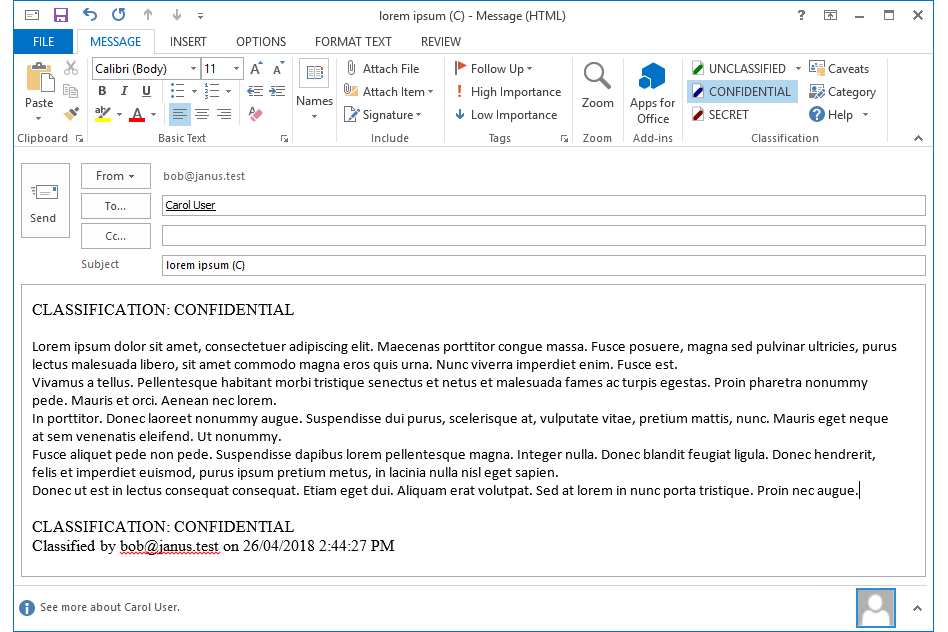
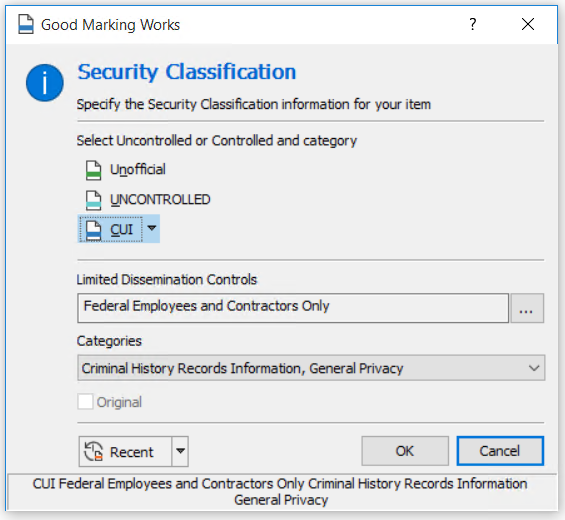
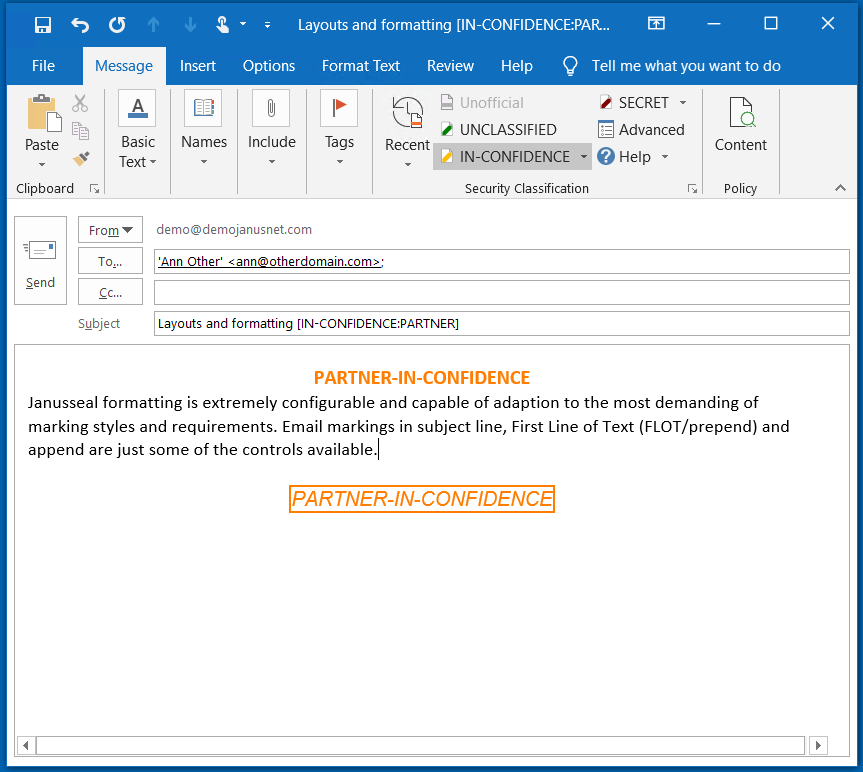

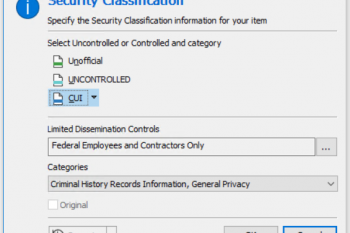
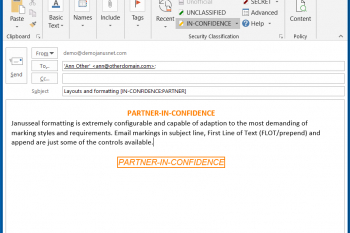
Janusseal for Outlook makes it simple for users to identify sensitive information and add a classification (sensitivity label) to every message created. Every CISO knows that about 30% of data breaches are accidental and that email is the most common vector. Janusseal for Outlook significantly reduces the risk of data loss because:
▷ Classification improves data handling by alerting recipients to the email's sensitivity
▷ Janusseal's embedded metadata enables existing security systems to control access and distribution.
▷ Practical, flexible, fast selection enables users to mark their emails and get on with their tasks.
▷ Pre-transmission checks prevents mistakes.
▷ Mandatory data classification ensures sensitive information is always classified.
Data classification is an easy, cost-effective way to protect sensitive information in any message and associated attachments. Adding a protective marking your organization can more easily meet compliance requirements and reduce the risk of accidental disclosure.
Janusseal empowers every team member with easy-to-use data classification tools to distinguish between sensitive and non-sensitive information. Using Janusseal fosters a security-conscious culture.
Janusseal for Outlook is:
▷ quick to setup and deploy
▷ easy to integrate with existing email gateways
▷ highly scalable with Microsoft Enterprise or cloud infrastructure
▷ serverless - no additional infrastructure to manage
▷ easy to use and intuitive
▷ designed to extend and integrate with Microsoft's native labelling capability
▷ enterprise ready allowing for different classifications by role, region, location and language.
Janusseal for Outlook is the email classification solution that is easily configurable to suit any organization’s requirements, whether you need commercial or military-grade data classification.
Book a data classification demonstration
We are impressed with the engineering of Janusseal. The add-in is very robust, and the configuration via GPO is both flexible and convenient. If there are changes, we don’t have to repackage and redeploy the client – I wish all our applications could be configured this way!
Janusseal Customer - March 2017